Skip to content
Marlin POS

POS Hardware

Countertop workstations, handheld terminals, tableside tablets, kitchen displays, customer-facing displays and self-service kiosks.

Marlin POS supplies the hardware Shift4 Dine runs on, six devices that cover the counter, the floor, the kitchen and the guest, for restaurants in Lake Elsinore and nearby towns.

Which devices does Shift4 Dine run on?

POS workstation

The countertop station at the host stand, bar or register, where orders are rung in, checks are split and the day is closed out.
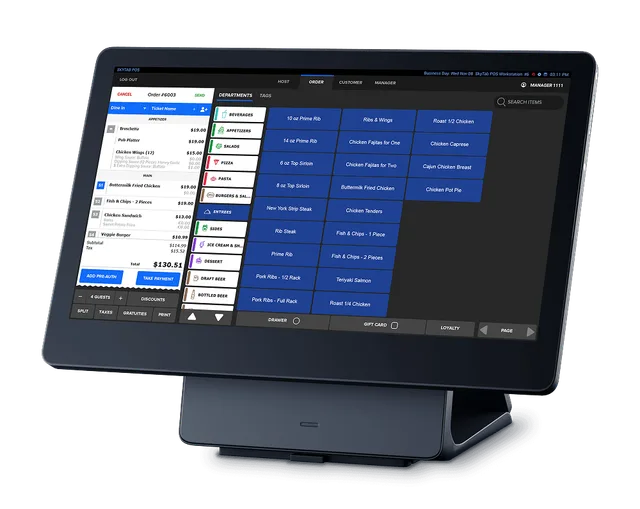
Countertop POS workstation on a dark stand showing an open restaurant order with blue menu buttons and a total

Handheld terminal

A rugged handheld that takes orders and card payments, so servers can close a check without walking back to a station.
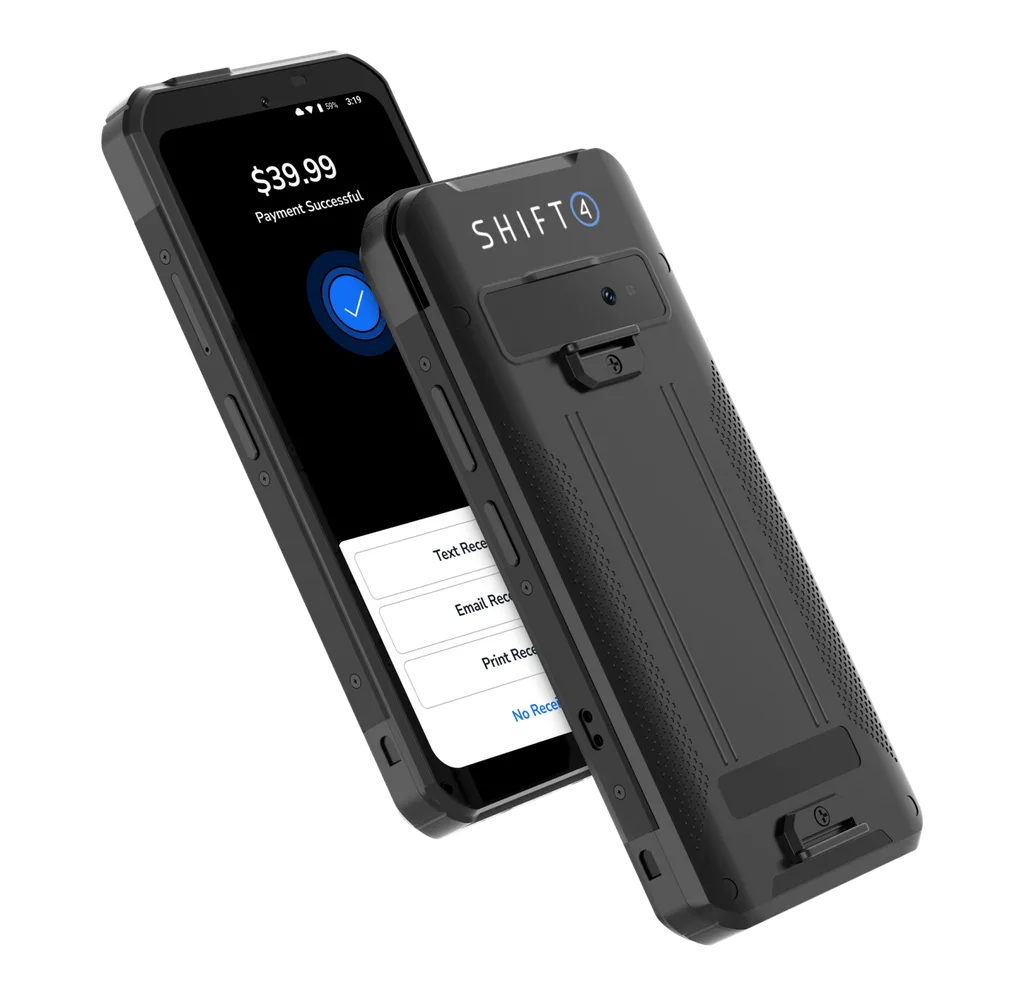
Rugged handheld payment terminal seen front and back, with a payment successful screen and receipt choices

Tableside tablet

A larger handheld screen for taking orders at the table with the full menu in view.
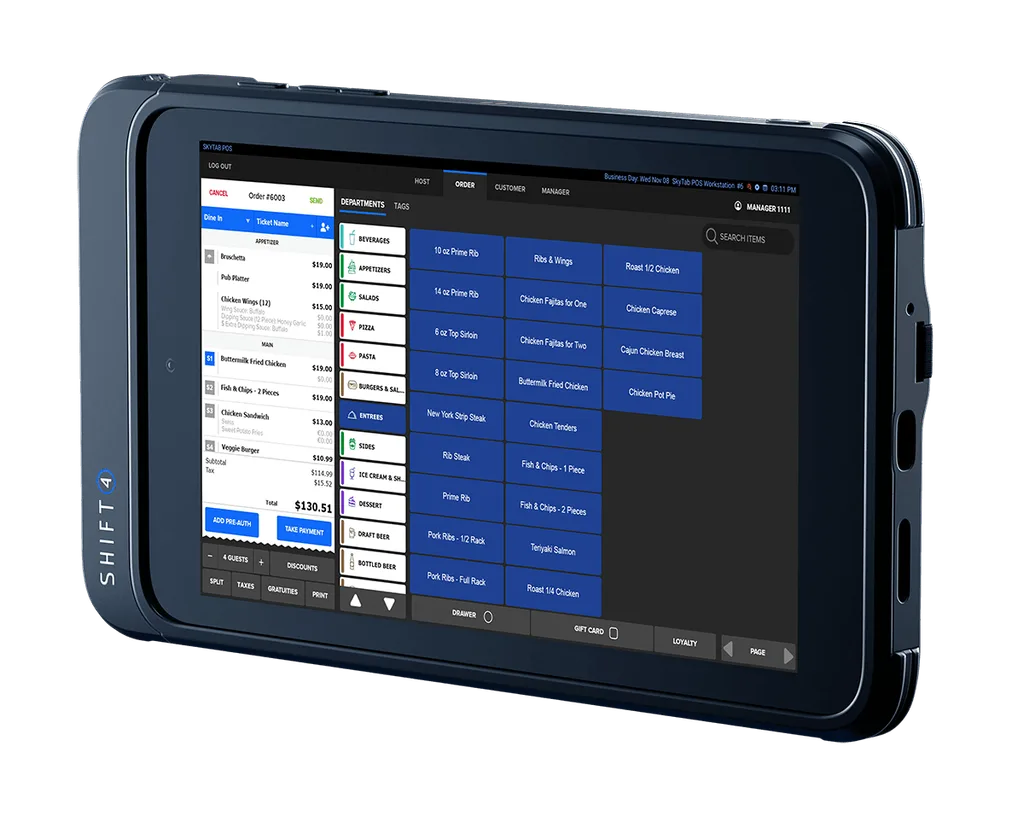
Rugged handheld tablet at an angle showing a restaurant order screen with menu categories, item buttons and an order total

Kitchen display

A screen on the line that replaces paper tickets, with orders color coded for dine in, take out and delivery.
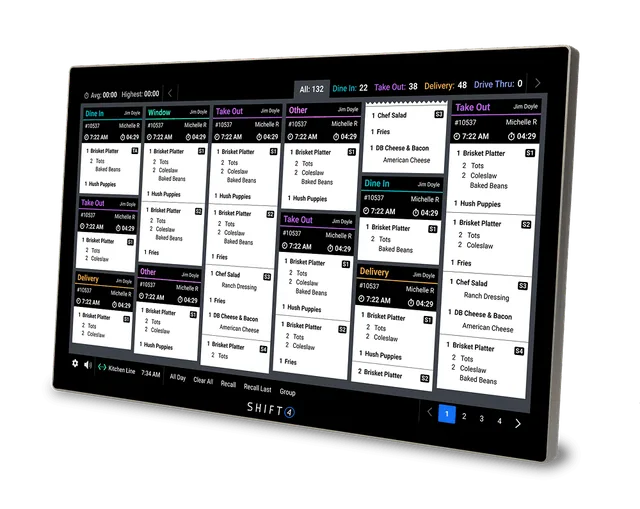
Kitchen display screen at an angle with colour-coded dine in, take out and delivery order tickets in columns

Customer-facing display

A second screen that faces the guest at the counter, showing the total and tip options, with the card reader alongside.
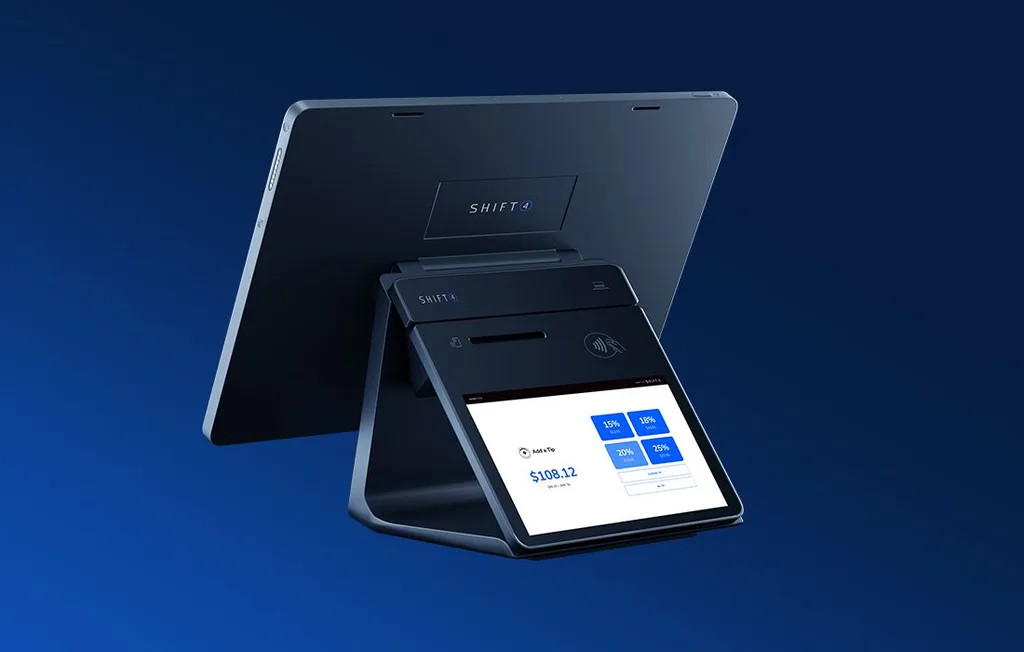
Back of a countertop POS terminal with a customer-facing screen offering tip percentage options and a card reader

Self-service kiosk

A touchscreen where guests browse the menu, build their order and check out on their own.
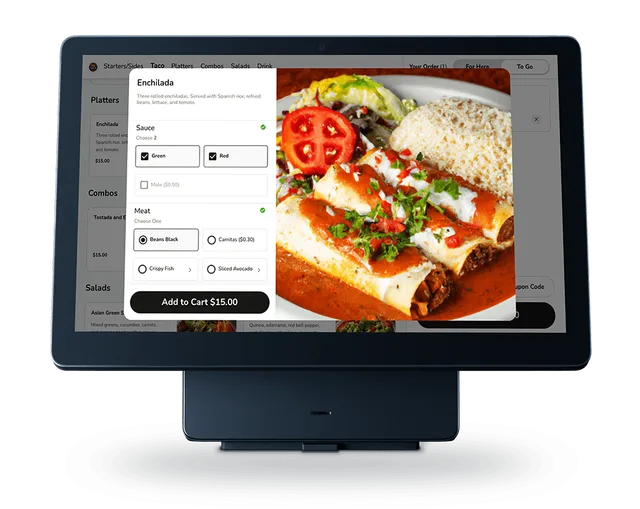
Front view of a touchscreen ordering station with an enchilada, sauce and meat choices and an add to cart button

What else goes on the counter?

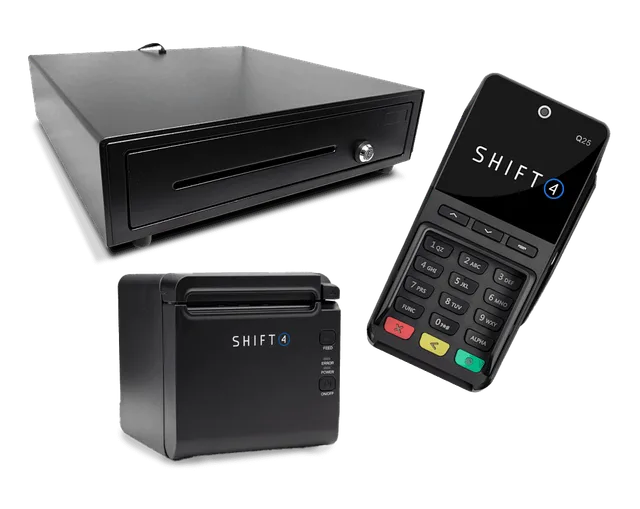
Point of sale accessories set with a black cash drawer, a compact receipt printer and a card payment terminal

Accessories: a cash drawer, a receipt printer and a card payment terminal round out the station.

How many devices does a restaurant need?

It depends on your floor plan, how many servers work at peak, whether you take payment at the table and whether guests order on their own. Size it in a free demo, alongside the Shift4 Dine software it runs and the installation by Shift4 certified technicians that follows.

Questions

POS Hardware, answered

What hardware works with Shift4 Dine?

Shift4 Dine runs on a POS workstation, a handheld terminal, a tableside tablet, a kitchen display, a customer-facing display and a self-service kiosk, along with a cash drawer, receipt printer and card terminal.

Do I need a handheld for every server?

Not always. The right number of handhelds and tablets depends on your floor plan, how many servers work at peak and whether you take payment at the table. Bring those details to your free demo and size it with Marlin POS.

What does a kitchen display do?

A kitchen display puts orders on a screen on the line instead of paper tickets. Tickets are color coded for dine in, take out and delivery, and a bump bar clears them as the kitchen finishes each order.

Related services

Other services

All services
  1. 01Restaurant POSShift4 Dine for table service, coursing and payments, plus loyalty, reservations, QR code ordering, a website builder and real-time reporting.
  2. 03Switching POSMoving from your current POS to Shift4 Dine, with your own POS rep you can call about what changes and what stays the same.
  3. 04Install and SupportInstalled by Shift4 certified technicians, backed by Shift4 24/7 support, with your own POS rep you can call.

See it running in a free demo

Call or send the form with your restaurant name and city, and Marlin POS will set up a time to walk you through it.

Call (760) 707-6338Book a free demo